See DutyGO in action

No staged mock-ups. Every screen below is captured straight from the product your club and your members actually use, from the first roster to the clubhouse sign-in.

Your whole season on one screen

The dashboard shows every event and every duty at a glance: who is confirmed, what is still open, and what is held back in reserve. Publish a draft roster and alert everyone in a single click.
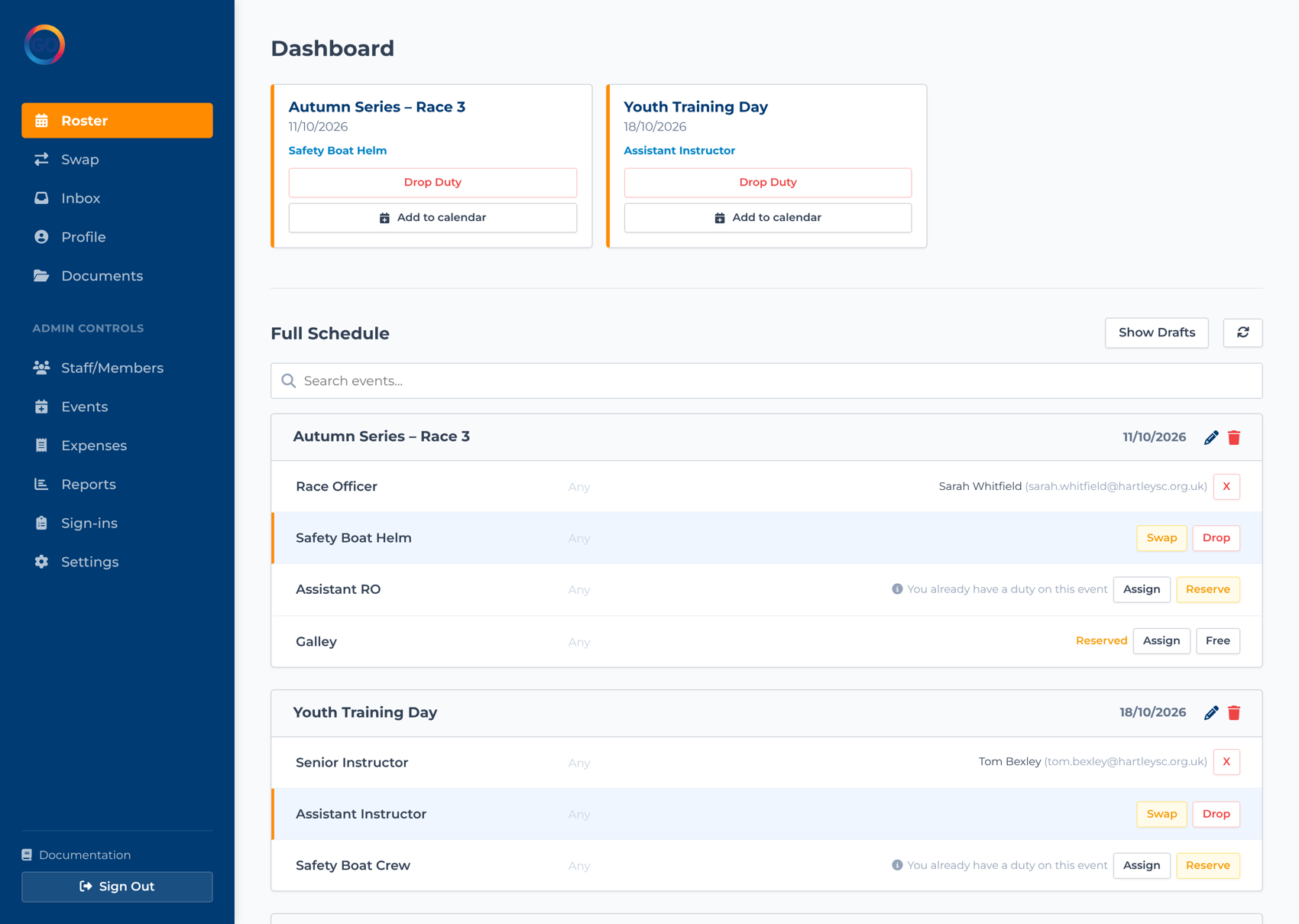
  • See filled, reserved and open roles colour-coded per event
  • Publish drafts and notify members in one action
  • Export any event to a printable PDF duty sheet
The DutyGO dashboard showing a club event schedule with duties filled, reserved and open

Self-serve, from their phone

Members open DutyGO on their phone to see exactly which duties are theirs and what is coming up. They can claim an open slot, start a swap, or drop a duty within the rules you set. No phone calls, no spreadsheets.
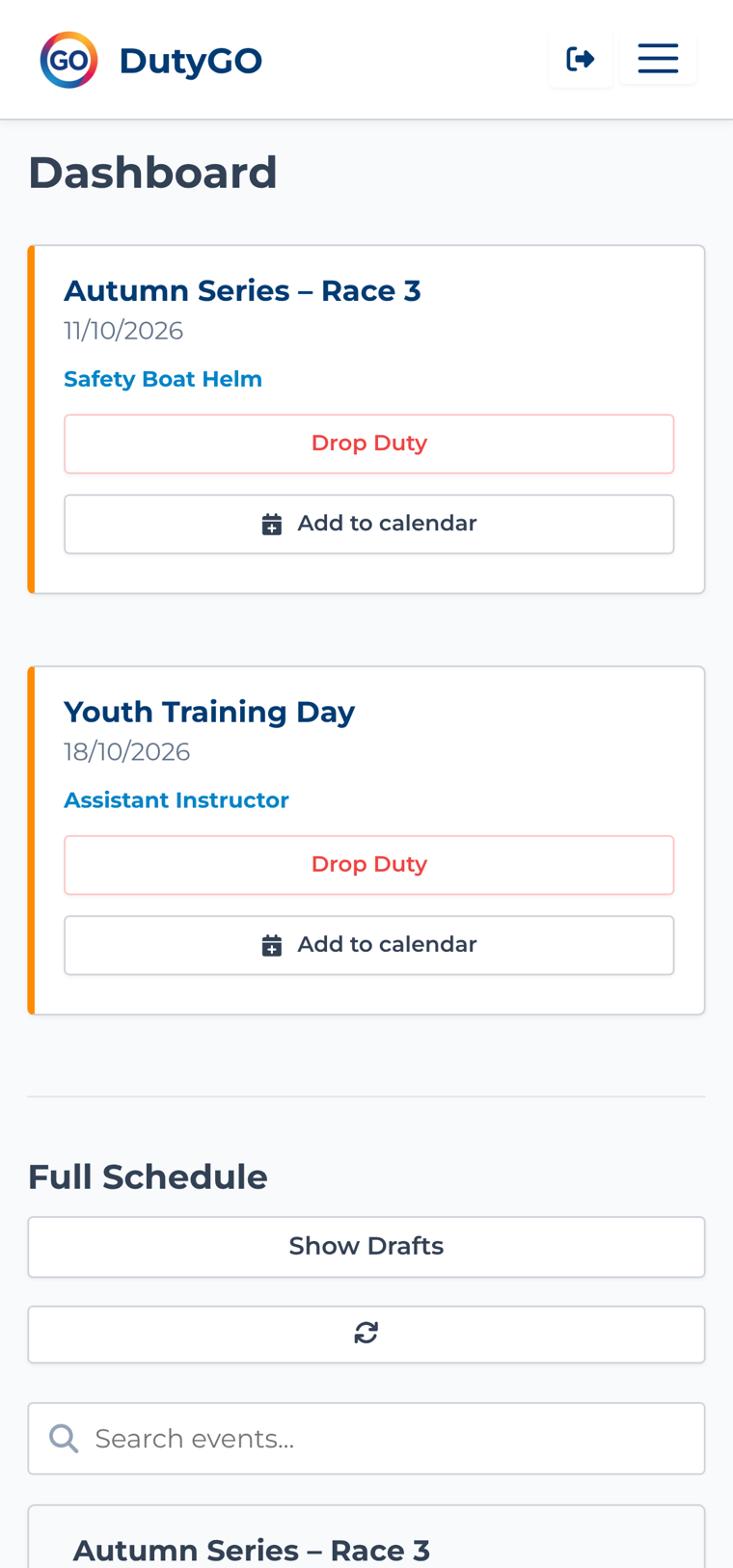
  • Claim, swap or drop duties in a couple of taps
  • Add any duty straight to Apple, Google or Outlook calendar
  • Works on any phone, with nothing to install
DutyGO on an iPhone showing upcoming duties for one member

Cover sorted without the group chat

When someone cannot make their duty, they pick it in the Swap Centre and choose who to offer it to. The other member accepts and the roster updates itself. The admin never has to referee a group chat again.
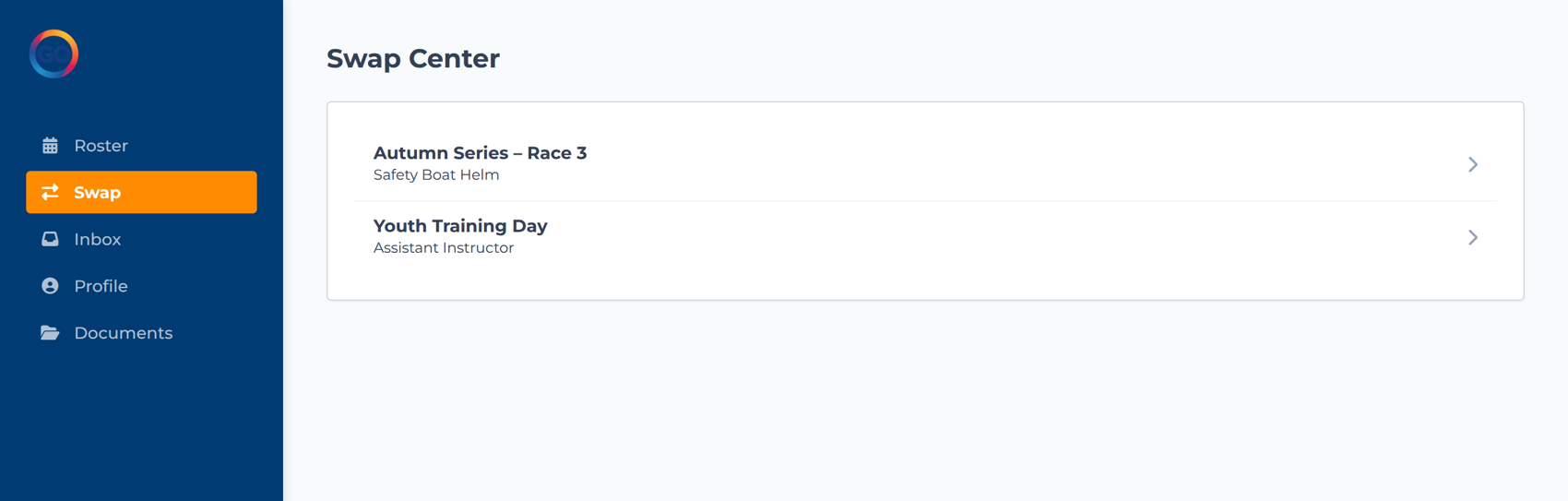
  • Members arrange their own cover, within your rules
  • Every swap is logged, so the roster is always correct
  • Admins can still step in and reassign at any time
The DutyGO Swap Centre listing swappable duties for a member

Set up events in minutes

Create an event, define the roles you need, and decide whether members may swap or drop them. Repeat a weekly series in one go, save a draft while you finish it, then publish when you are ready.
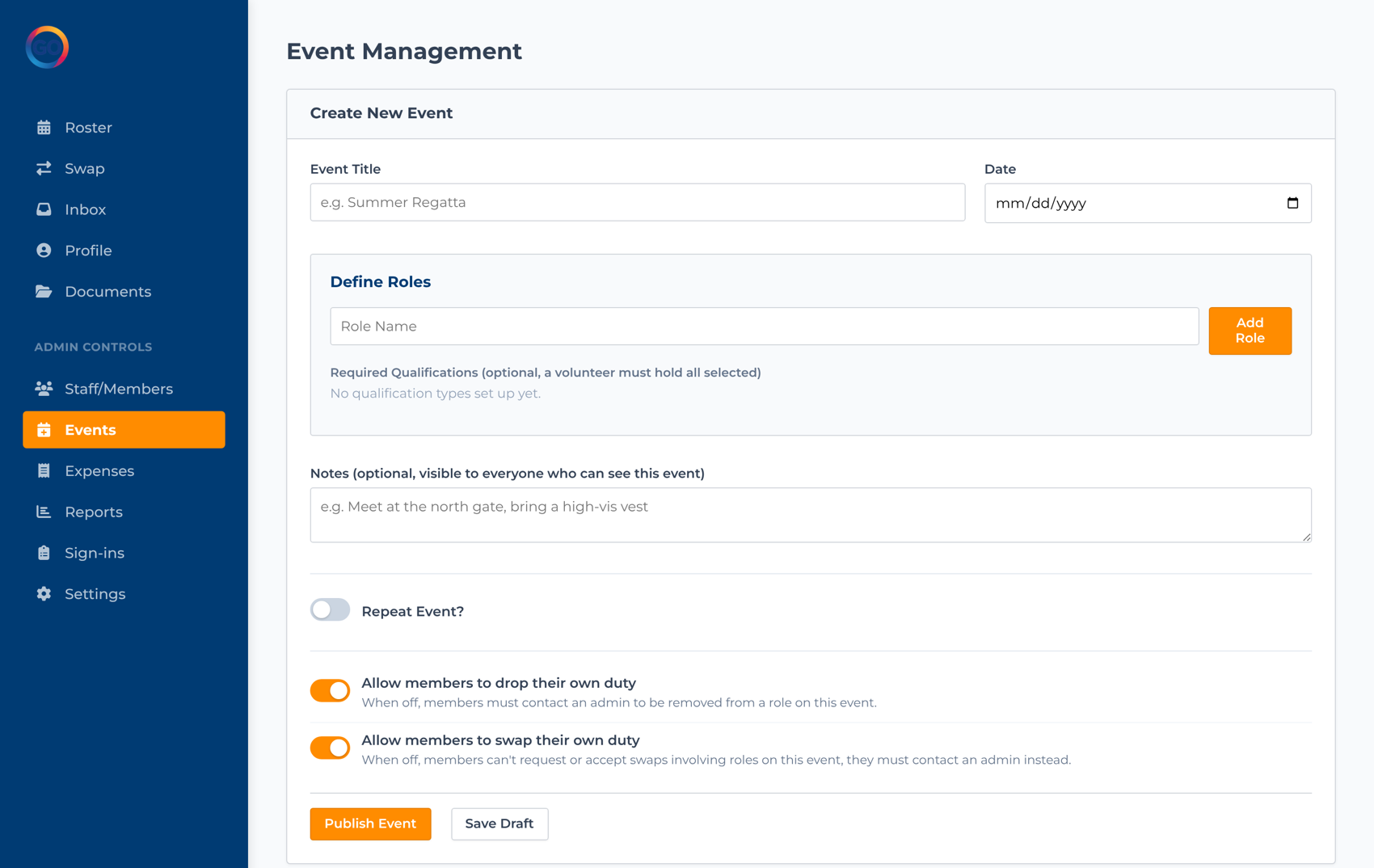
  • Define custom roles and how many of each you need
  • Per-event control over swapping and dropping
  • Repeat recurring events and save drafts
The DutyGO event management screen with the create-event form and event list

A tap to sign in and out

Leave a tablet on the clubhouse desk running the kiosk. Everyone signs in and out by name as they arrive and leave, so you always have an accurate record of who is on site, which is essential for safety and compliance.
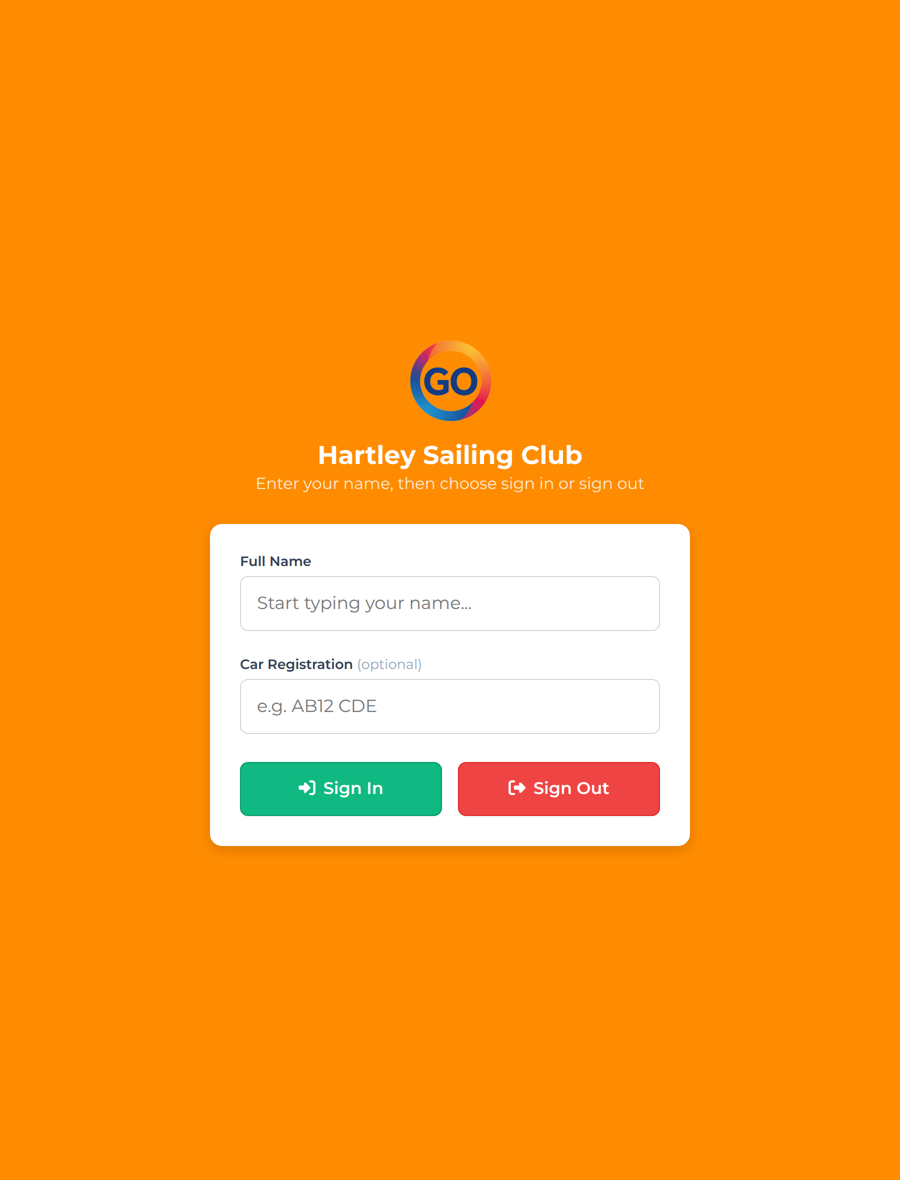
  • Simple name-based sign-in and sign-out
  • Optional vehicle registration capture
  • A live, exportable register of who is on site
The DutyGO clubhouse sign-in kiosk for Hartley Sailing Club

Ready to run your club on DutyGO?

Get a quote tailored to your club size in under a minute.